Laravel Queues Comprehensive Guide
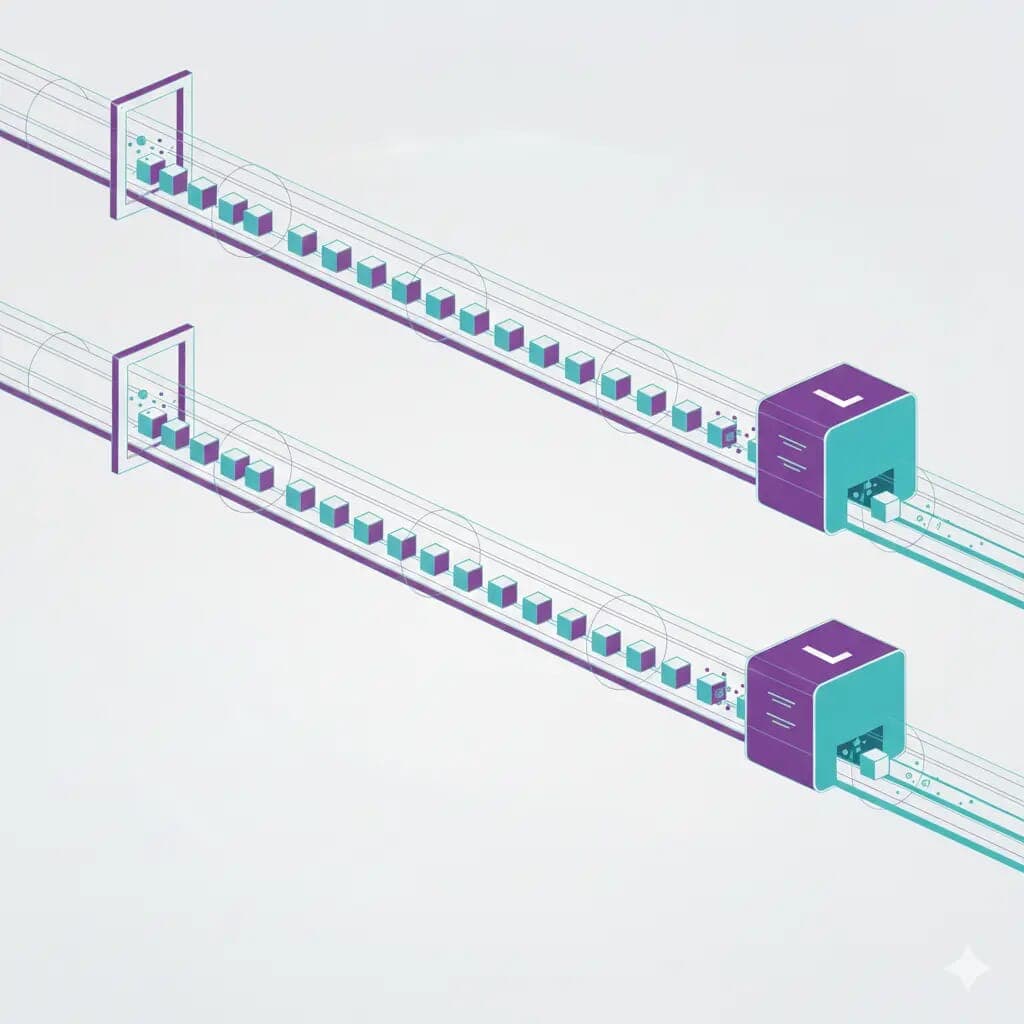
Laravel queue is one of the most powerful tools developed by laravel to support the queueing system. But while we are admiring laravel queues, we will be scratching our heads at some point in time when the queues start working heavily in production, if not configured correctly.
While the official documentation provides basic implementation guidance, we will discuss in detail each section and potential pitfalls to avoid.
Table of Contents
- Queue Connections
- Cross-attribute interactions, extra considerations & best practices
- Jobs
- Job Middleware
- Queue Workers
- Redis & Queue Architecture Best Practices
- Handling Failed Jobs
- Horizon — The Best Way to Manage Redis Queues
- Queue Optimization Patterns
- Common Mistakes to Avoid
- Final Recommendations
Queue Connections
This defines where our queues are stored. Laravel has a few connections out of the box and sets sync as the default queue connection, which processes queues in a synchronous manner. But will be using redis for our example by setting an environment variable in the .env file.
QUEUE_CONNECTION=redis
Our config/queue.php should have a redis connection configured:
 return [
        'connections' => [
                'redis' => [
                        'driver' => 'redis',
                        'connection' => env('REDIS_QUEUE_CONNECTION', 'default'),
                        'queue' => env('REDIS_QUEUE', 'default'),
                        'retry_after' => (int) env('REDIS_QUEUE_RETRY_AFTER', 90),
                        'block_for' => null,
                        'after_commit' => false,
                ],
        ]
 ];
We will discuss the basic attributes of connections.
driver: Here, we define where we will store our queues. For our example, we will be using redis. We might use other connections depending on our use case. database, sqs, beanstalkd, or another connection can be used.
connection: Defines which connection (defined in config/database.php) should be used for the queue.
queue: The name of the queue channel. The worker will process jobs based on the queue name.
// Jobs with payments are processed with high priority
php artisan queue:work --queue=payment,emails,default

// Queues with a name default are processed if not defined
php artisan queue:work
retry_after: This prevents jobs from being permanently lost when a worker dies while processing. It is the reservation timeout, meaning:
If the worker does not finish the job within retry_after seconds, put it back into the queue.
block_for: Laravel tells Redis to use BRPOP (blocking pop) instead of a normal RPOP, meaning:
The worker will wait up to 5 seconds for a job to arrive before continuing its loop.
So, instead of constantly polling Redis thousands of times per second, the worker pauses and lets Redis notify it when a job arrives.
after_commit: If set to true, laravel delays dispatch until the DB transaction commits, ensuring jobs only run if DB changes succeed.
Without it, jobs may run too early, leading to inconsistent state or errors.
Cross-attribute interactions, extra considerations & best practices
- Align retry_after with worker timeout
- If using
php artisan queue:work --timeout=60, make sureretry_after>timeout. Otherwise, the worker may be killed by SIGTERM and the job requeued while the worker still had cleanup logic to run.
- If using
- Idempotency is your friend
- Always design jobs to be idempotent (detect and ignore duplicates) or use locking/unique-job patterns to prevent double processing.
- Separate Redis instances
- Put Redis queues on a separate DB or instance to avoid eviction/conflicts with caching/session data.
- Monitoring and Metrics
- Track job duration, failure counts, queue length, and processing rate. Use Horizon or other observability tools to tune retry_after/block_for and worker counts.
- Difference between drivers
- retry_after conceptually exists for most drivers, but the underlying mechanism differs: SQS uses visibility timeout (set on AWS side), DB driver locks rows with a TTL, Redis uses reservation semantics. When switching drivers, re-evaluate the config.
- When jobs are long-running
- Prefer splitting long jobs into smaller chained jobs or using chunked processing and background tasks (or use Horizon/long-running supervisor configurations). Large retry_after values increase latency when detecting worker failure.
Jobs
Jobs are the core of Laravel's queue system. Each job represents a unit of work that should be processed asynchronously. Jobs are stored in the app/Jobs directory and typically contain:
- What the job needs (its payload)
- What the job does (
handle()method) - Optional configuration like retry limits, backoff times, middleware, throttling, etc.
A basic job example:
php artisan make:job SendOrderEmail
This generates:
class SendOrderEmail implements ShouldQueue
{
    use Queueable, InteractsWithQueue, SerializesModels;

    public function __construct(public Order $order)
    {}

    public function handle()
    {
        Mail::to($this->order->user)->send(new OrderPlacedMail($this->order));
    }
}
For the job to be queued:
SendOrderEmail::dispatch($order);
Job Configuration Options
Laravel gives per-job controls that significantly impact queue behavior.
1. $tries — Maximum job attempts
public $tries = 5;
If a job fails 5 times, it moves to failed_jobs table (if configured).
2. $timeout — Max execution time
public $timeout = 120; // seconds
If the job exceeds $timeout, the worker kills it, and the job becomes failed or retried.
Align
$timeout< worker--timeout< queue connectionretry_after.
3. $backoff — Delay before retrying
Prevents hammering external APIs:
public $backoff = 10;
// or return array for exponential backoff
public function backoff() { return [1, 5, 30]; }
4. $deleteWhenMissingModels
public $deleteWhenMissingModels = true;
If a job references deleted DB records, Laravel quietly drops it instead of failing endlessly.
Job Middleware
Job middleware is extremely powerful and underused. It allows you to wrap job execution with reusable behaviors.
Throttling / Rate Limiting
Limit API calls or expensive tasks:
public function middleware()
{
    return [new RateLimited('send-email')];
}
Preventing duplicates
Ensure only one instance of a job runs at a time:
public function middleware()
{
    return [new WithoutOverlapping($this->order->id)];
}
Batches
For bulk operations:
Bus::batch([
    new ProcessChunk(1),
    new ProcessChunk(2),
    new ProcessChunk(3)
])->dispatch();
Useful for imports, exports, and heavy analytics tasks.
Queue Workers
A queue worker is the process that actually processes queued jobs.
Basic worker
php artisan queue:work
With options
php artisan queue:work redis --tries=3 --timeout=90 --sleep=1
Key options to understand:
--timeout
Max execution time before the worker kills the job.
--tries
Overrides the job $tries attribute.
--sleep
How long the worker waits before checking the queue again (if not using block_for).
Use Supervisor (Linux)
To run workers reliably in production:
[program:laravel-worker]
process_name=%(program_name)s_%(process_num)02d
command=php /var/www/html/artisan queue:work redis --sleep=1 --timeout=90 --tries=3
numprocs=4
autostart=true
autorestart=true
redirect_stderr=true
stdout_logfile=/var/log/worker.log
Then:
sudo supervisorctl reread
sudo supervisorctl update
sudo supervisorctl start laravel-worker:*
Redis & Queue Architecture Best Practices
1. Separate queues by responsibility
Never put all jobs in default.
Example architecture:
| Queue Name | Priority | For |
|---|---|---|
payment | Highest | Critical billing tasks |
notifications | Medium | Emails, SMS, push |
reports | Low | Heavy background tasks |
default | Lowest | Everything else |
Start worker group per queue:
php artisan queue:work --queue=payment --timeout=120 --tries=3
php artisan queue:work --queue=notifications
php artisan queue:work --queue=default
Handling Failed Jobs
Enable failed jobs table:
php artisan queue:failed-table
php artisan migrate
View failed jobs:
php artisan queue:failed
Retry a job:
php artisan queue:retry 5
Delete failed job:
php artisan queue:forget 5
Retry all:
php artisan queue:retry all
Horizon — The Best Way to Manage Redis Queues
If using Redis, Horizon is a must.
Install:
composer require laravel/horizon
php artisan horizon:install
php artisan migrate
Start:
php artisan horizon
Key Horizon features:
- Real-time dashboard
- Job & queue metrics (throughput, failures, processing time)
- Auto-balancing workers
- Supervisor configuration inside Laravel
- Tags for job grouping
Example Horizon configuration:
'supervisors' => [
    'production' => [
        'connection' => 'redis',
        'queue' => ['payment', 'notifications', 'default'],
        'balance' => 'auto',
        'processes' => 10,
        'tries' => 3,
    ],
],
Queue Optimization Patterns
1. Chunking & Streaming
Avoid processing 200k rows in one job. Instead:
User::chunk(1000, fn($users) => ProcessUsers::dispatch($users));
2. Job Chaining
Ensure order:
SendEmail::withChain([
    UpdateAnalytics::class,
    ClearTempFiles::class,
])->dispatch();
3. Offload Heavy Tasks
Move these to queues:
- Image processing
- Payment processing
- Sending notifications
- Import/export files
- Third-party API calls
Common Mistakes to Avoid
❌ Running long tasks on retry_after too close
❌ Mixing production cache Redis with queue Redis
❌ Dispatching jobs inside DB transactions without after_commit
❌ Creating mega-jobs instead of small, atomic jobs
❌ Not implementing retry/backoff logic
❌ Not monitoring workers
Final Recommendations
- Use Redis as the queue driver for scalable production apps.
- Always configure
retry_after,timeout, andtriescarefully. - Use job middleware for rate-limiting and uniqueness.
- Use Horizon for Redis queue monitoring and auto-scaling.
- Keep your jobs idempotent, small, and predictable.